10 Best AI Prompts for Blog Content Research That Actually Work
Doing blog research used to mean opening ten tabs and still missing something. These 10 AI prompts cover everything from topic overviews and audience questions to counterarguments and source checking.
Doing research for a blog post used to take me hours. I'd open ten browser tabs, skim articles, take messy notes, and still feel like I missed something important. AI tools have changed that for me, but only when I use the right prompts. A vague prompt gives you vague, useless answers. A specific, well-structured prompt gives you a genuinely useful research starting point.
Here are the prompts I use most often, broken down simply so anyone can try them.
1. The "Topic Overview" Prompt
When I'm starting completely from scratch on a topic, I use this:
"Give me a simple overview of [topic]. Explain it like you're talking to someone who knows nothing about it. Include the basic facts, why it matters, and 3-5 subtopics I could explore further."
Why this works: It gives you a map of the topic before you dive deep. Instead of randomly searching and getting overwhelmed, you get a clear starting point and a few directions to explore.
2. The "Different Angles" Prompt
Most topics have already been covered a hundred times. To find a fresh angle, I ask:
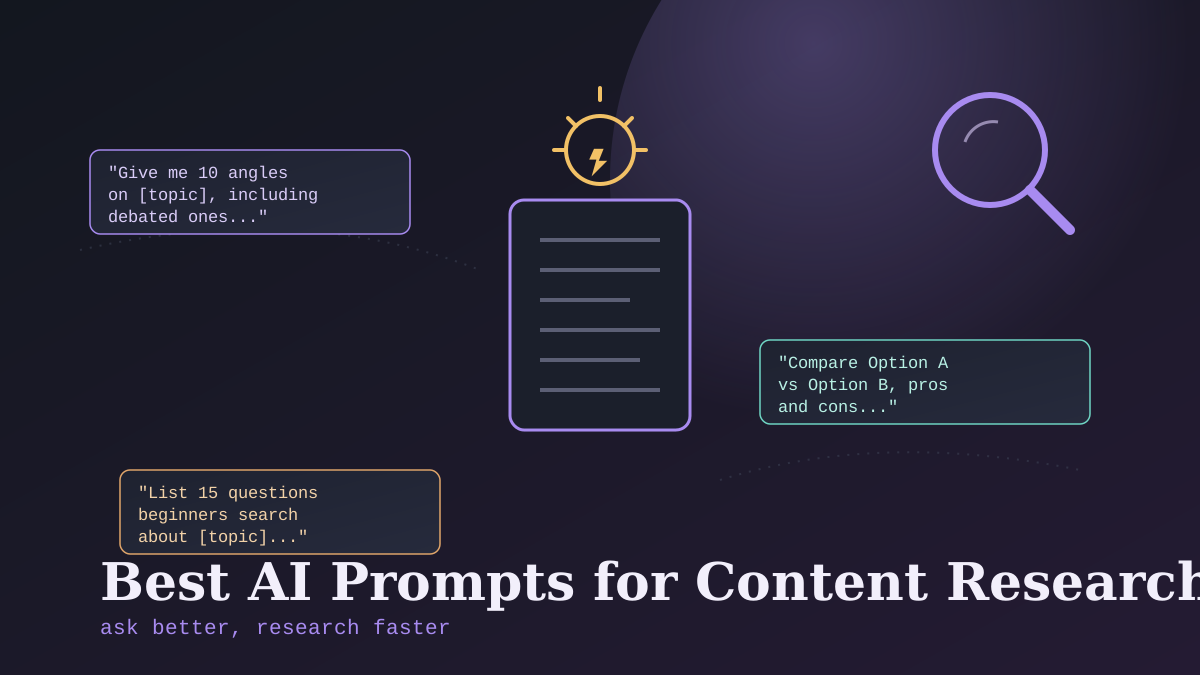
"Give me 10 different angles or perspectives I could take when writing about [topic]. Include angles for beginners, angles for experts, and any angles that are controversial or debated."
This prompt has saved me from writing the exact same article everyone else has already written. The "controversial or debated" part is especially useful — debate usually means people care, and that means more reader engagement.
3. The "What Am I Missing" Prompt
Sometimes I have a draft outline already, but I worry I've left something important out. I use this:
"Here is my outline for an article about [topic]: [paste outline]. What important points, common questions, or subtopics am I missing?"
Experience tip: This catches gaps I genuinely wouldn't have noticed myself. AI is good at "filling in blanks" once it has context about what you've already planned.
4. The "Audience Questions" Prompt
Good content answers real questions people are actually asking. I use this prompt to find those questions:
"List 15 common questions that someone new to [topic] might search for online. Keep the questions simple and natural, like how a real person would type them into Google."
I often turn these questions directly into subheadings in my article. It naturally makes the content more useful, because I'm literally answering what people want to know.
5. The "Simplify This" Prompt
When my research involves technical or complicated information, I use this to make sure I actually understand it before writing:
"Explain [complicated concept] in simple terms, as if you were explaining it to a 12-year-old. Avoid jargon, and use a simple comparison or example if possible."
I genuinely use this one a lot, even for myself. If I can't understand a topic clearly, there's no way I can explain it well to my readers. This prompt forces clarity before I even start drafting.
6. The "Compare and Contrast" Prompt
For topics where readers are choosing between options (tools, methods, products, strategies), I use:
"Compare [Option A] and [Option B]. Include the main differences, pros and cons of each, and which type of person or situation each one is best suited for."
This is one of my most-used prompts because comparison content tends to perform really well. People searching "X vs Y" usually have strong buying or decision intent.
7. The "Find the Counterargument" Prompt
To make my content feel more balanced and thoughtful (and not just one-sided), I ask:
"What are the strongest counterarguments or criticisms against [my main point or claim]? Explain them fairly, as someone who actually believes them would."
This prompt has genuinely changed how I write opinion pieces. Instead of ignoring opposing views, I address them directly, which makes my own argument feel stronger and more trustworthy to readers.
8. The "Recent Developments" Prompt
AI tools have a knowledge cutoff, so I'm careful here, but I still use this prompt as a starting point before doing my own search:
"What were some recent developments or changes related to [topic]? Mention specific dates or timeframes if you can, so I know how current this information is."
Important reminder: I always verify anything from this prompt with a real, current web search afterward. AI tools can be outdated or simply wrong about "recent" news, so I treat this as a lead to investigate, not a final answer.
9. The "Expert Voice" Prompt
To make my research feel more credible, I try to think like different experts:
"If an expert in [field] were writing about [topic], what specific points, data, or nuances would they include that a beginner might miss?"
This helps me add depth to my content instead of just repeating surface-level information that's already everywhere online.
10. The "Source Check" Prompt
Whenever AI gives me a fact, statistic, or claim, I follow up with:
"Where does this information typically come from? Is this something I should verify with a primary source before publishing?"
This doesn't replace actual fact-checking, but it's a helpful nudge. It reminds me which claims are risky to publish without double-checking, versus which are more commonly known and safer to use.
A Few Honest Tips From My Experience
- Be specific in your prompts. "Tell me about marketing" gives you mush. "Give me 5 specific email marketing mistakes small business owners make" gives you something useful.
- Always verify facts yourself. AI research prompts are a starting point, not a finish line. I never publish a stat or claim without checking it against a real source.
- Use multiple prompts together. I usually combine 2-3 of these prompts for a single article — an overview, a few angles, and audience questions — rather than relying on just one.
- Edit and rewrite the output. These prompts give you research material and structure, not final sentences. I always rewrite everything in my own words before publishing.
Final Thoughts
Good prompts turn AI from a vague chatbot into an actual research assistant. The key is being specific about exactly what you want, and always treating the output as a helpful starting point rather than a finished product. Try a few of these prompts on your next article and see how much time you save.
Tags: #AIPrompts #ContentResearch #AIWritingTips #BloggingTools #ContentCreation #AIForBloggers #ResearchTips #PromptEngineering #ContentStrategy #AIWritingHelp #BlogResearch #ContentIdeas #AIForBeginners #WritingProductivity