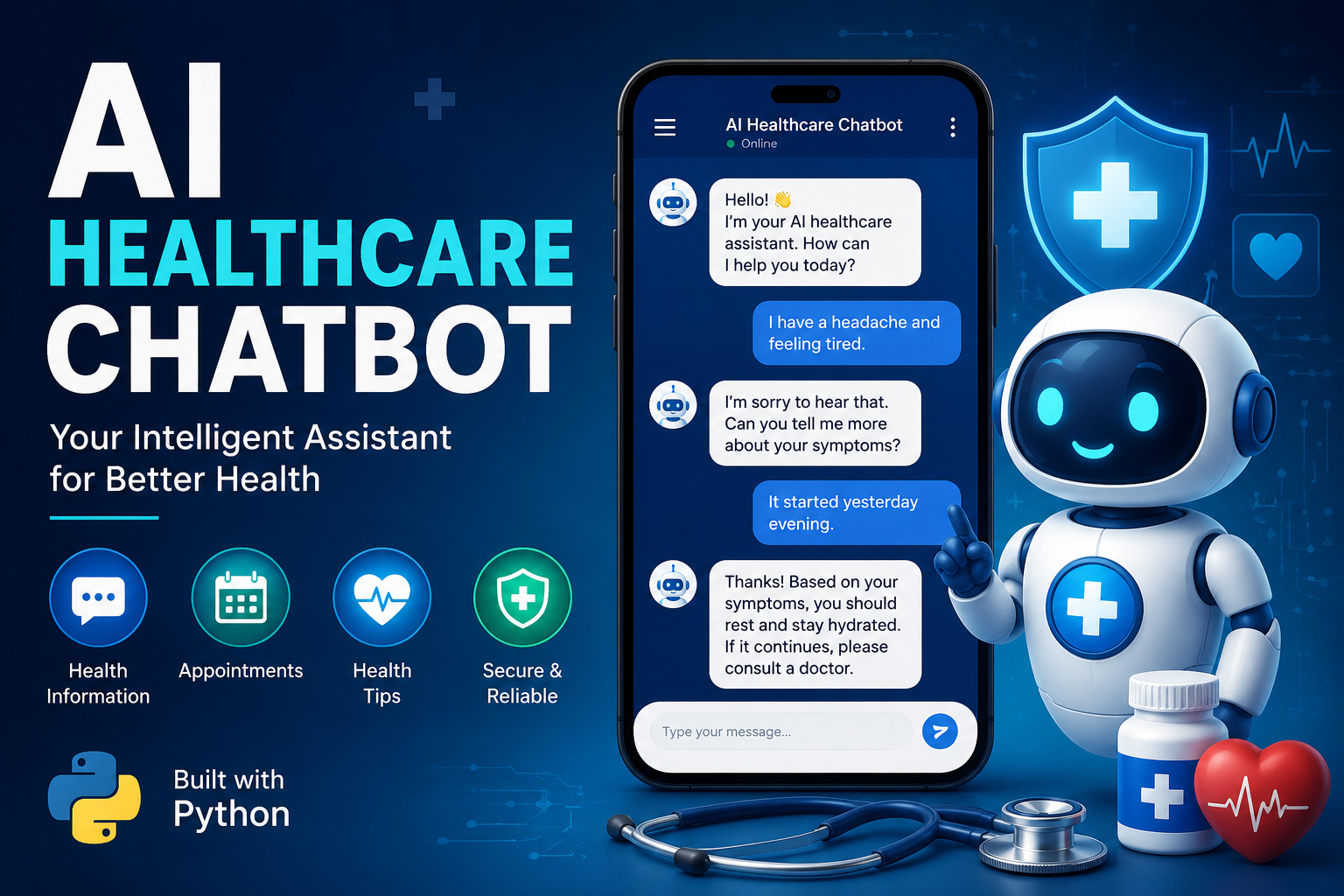
Building an AI Healthcare Chatbot Using Python (2026 Guide)
Want to build your own AI-powered healthcare chatbot? This beginner-friendly guide walks you through the complete process using Python—from planning the chatbot and choosing the right AI models to building a simple interface, connecting an LLM, and deploying your project. Whether you're learning AI development or creating a portfolio project, this tutorial covers the essential concepts and code examples.
Artificial Intelligence has transformed almost every industry, and healthcare is one of the biggest beneficiaries. Today, AI-powered chatbots help patients book appointments, answer common health questions, provide medication reminders, and assist healthcare professionals with routine tasks.
However, one important point should be made before we begin:
This tutorial is for educational purposes only. It is NOT intended to create a chatbot that diagnoses diseases or replaces qualified medical professionals.
Instead, we'll build a healthcare assistant chatbot capable of:
- Answering general health-related questions.
- Suggesting healthy lifestyle tips.
- Explaining common medical terms.
- Helping users prepare questions for doctors.
- Providing emergency guidance (for example, advising users to seek immediate medical care in emergencies instead of attempting self-diagnosis).
By the end of this guide, you'll understand how to create a modern AI chatbot using Python and integrate it with today's AI models.
What You'll Build?
Our chatbot will be able to:
- Understand user questions
- Maintain conversation history
- Generate AI responses
- Provide safe medical disclaimers
- Remember previous messages
- Run locally
- Be extendable into a web application
Technologies Used
We'll use:
- Python 3.11+
- Visual Studio Code
- OpenAI API (or another compatible LLM)
- Gradio (for a simple web interface)
- python-dotenv
- Requests
- LangChain (optional)
- SQLite (optional conversation storage)
Install everything first.
pip install openai gradio python-dotenv requests
If you want memory support later:
pip install langchain
Project Structure
Create a folder like this:
healthcare-chatbot/
│
├── app.py
├── chatbot.py
├── prompts.py
├── requirements.txt
├── .env
├── README.md
└── assets/
Keeping files organized makes future updates much easier.
Step 1 – Get an AI API Key
Choose an AI provider.
Examples include:
- OpenAI
- Anthropic
- Google Gemini
- Local models through Ollama
Store your API key securely in a .env file.
Example:
OPENAI_API_KEY=your_api_key_here
Never hard-code API keys directly into your source code or upload them to Git repositories.
Step 2 – Load Environment Variables
Create chatbot.py.
import os
from dotenv import load_dotenv
load_dotenv()
API_KEY = os.getenv("OPENAI_API_KEY")
Using environment variables keeps your credentials secure.
Step 3 – Create the System Prompt
The system prompt tells the AI how to behave.
Example:
SYSTEM_PROMPT = """
You are an AI Healthcare Assistant.
You only provide general educational information.
Never diagnose diseases.
Never prescribe medication.
Always recommend consulting qualified healthcare professionals.
If the user describes an emergency, advise them to contact emergency services immediately.
"""
This is one of the most important safety steps.
Step 4 – Generate AI Responses
A simplified example:
from openai import OpenAI
client = OpenAI(api_key=API_KEY)
def ask_bot(message):
response = client.chat.completions.create(
model="gpt-4.1",
messages=[
{"role":"system","content":SYSTEM_PROMPT},
{"role":"user","content":message}
]
)
return response.choices[0].message.content
Now every user message is sent to the AI model.
Step 5 – Build a Simple Interface
Gradio makes this extremely easy.
import gradio as gr
from chatbot import ask_bot
def chat(message):
return ask_bot(message)
demo = gr.Interface(
fn=chat,
inputs="textbox",
outputs="textbox",
title="AI Healthcare Chatbot"
)
demo.launch()
Run:
python app.py
Open your browser.
Your chatbot is ready.
Step 6 – Add Conversation Memory
Users don't like repeating themselves.
Instead of sending only the latest question, store previous messages.
Example concept:
User
↓
Conversation History
↓
AI Model
↓
Response
↓
Save Response
↓
Repeat
Maintaining context creates more natural conversations.
Step 7 – Add Safety Filters
Healthcare chatbots require extra care.
Check messages before sending them.
Example:
blocked_words = [
"suicide",
"overdose",
"illegal drugs"
]
If dangerous keywords appear, return emergency resources instead of attempting advice.
Step 8 – Handle Emergencies Properly
Suppose a user asks:
"I'm having severe chest pain."
Your chatbot should never attempt a diagnosis.
Instead:
This could indicate a medical emergency.
Please contact your local emergency services or seek immediate medical attention.
Safety always comes first.
Step 9 – Improve Responses
Instead of generic answers, enrich the chatbot with trusted medical information from reputable sources.
A recommended approach is Retrieval-Augmented Generation (RAG):
User Question
↓
Search Trusted Medical Knowledge Base
↓
Relevant Information Retrieved
↓
LLM Generates Response
↓
User Receives Grounded Answer
With RAG, the chatbot bases its response on curated information rather than relying solely on the model's internal knowledge. This helps reduce hallucinations and keeps answers more accurate.
Step 10 – Add Quick Action Buttons
Helpful shortcuts improve usability.
Examples:
- Healthy Diet Tips
- Exercise Advice
- First Aid Basics
- Sleep Tips
- Hydration
- Mental Wellness
- Vaccination Information
Users can access common topics without typing every question.
Step 11 – Store Conversations (Optional)
SQLite is a simple option.
Example schema:
Conversation
ID
User Message
Bot Response
Timestamp
Stored conversations can later be analyzed to improve prompts and identify frequently asked questions.
Step 12 – Deploy Your Chatbot
After testing locally, deploy it.
Popular platforms include:
- Hugging Face Spaces
- Render
- Railway
- VPS hosting
- Docker containers
- Cloud platforms
Before going public:
- Remove debug mode.
- Secure API keys.
- Enable HTTPS.
- Add rate limiting.
- Log errors.
Useful Features to Add
Once the basic chatbot works, consider expanding it with:
Appointment Scheduler
Allow users to request appointments that integrate with a booking system.
Medication Reminder
Send scheduled reminders for medicines.
BMI Calculator
Accept height and weight, then calculate Body Mass Index.
Health Risk Questionnaire
Ask general wellness questions and recommend speaking with a healthcare professional when appropriate.
Multilingual Support
Support languages such as English, Hindi, Tamil, Spanish, or Arabic to make the chatbot accessible to more users.
Voice Input
Let users speak instead of typing.
Text-to-Speech
Read responses aloud for accessibility.
Common Mistakes Beginners Make
Avoid these issues:
- Hardcoding API keys.
- Allowing the chatbot to make diagnoses.
- Ignoring error handling.
- Skipping user input validation.
- Forgetting to test edge cases.
- Not setting usage limits for API calls.
Best Practices
Here are a few tips that will make your project stronger:
- Keep prompts focused and explicit.
- Validate all user inputs.
- Use HTTPS in production.
- Store secrets in environment variables.
- Keep dependencies updated.
- Log errors without storing sensitive health information.
- Regularly review AI outputs for quality and safety.
Future Improvements
As AI evolves, your chatbot can become much more capable.
Ideas include:
- Integration with wearable devices.
- AI voice assistants.
- OCR for reading prescriptions.
- Medical image analysis (with appropriate approvals).
- Personalized wellness dashboards.
- Secure patient authentication.
- Electronic Health Record (EHR) integration (where permitted).
Remember that advanced healthcare applications often require compliance with local regulations and careful handling of personal data.
Final Thoughts
Building an AI healthcare chatbot with Python is an excellent way to learn modern AI development. Along the way, you'll gain experience with APIs, prompt engineering, user interfaces, and responsible AI design.
The most important lesson isn't just how to generate responses—it's how to build systems that are safe, reliable, and genuinely helpful. In healthcare, trust matters as much as technology.
Start with a simple chatbot, test it thoroughly, and improve it step by step. As your skills grow, you can explore advanced techniques like conversation memory, RAG, multilingual support, and voice interactions.
If you're interested in AI development, projects like this make a great addition to your portfolio and provide practical experience that goes beyond theory.
Have you built an AI chatbot before? Which AI model or Python library do you prefer for conversational applications? Share your thoughts and project ideas below!
Keyword Tags
AI Healthcare Chatbot, Python, Python Tutorial, Artificial Intelligence, Healthcare AI, Chatbot Development, OpenAI API, Gradio, LangChain, Prompt Engineering, Machine Learning, AI Projects, LLM, RAG, AI Development, Python Coding, Generative AI, Medical Chatbot, AI Tutorial, AIWebLoggers