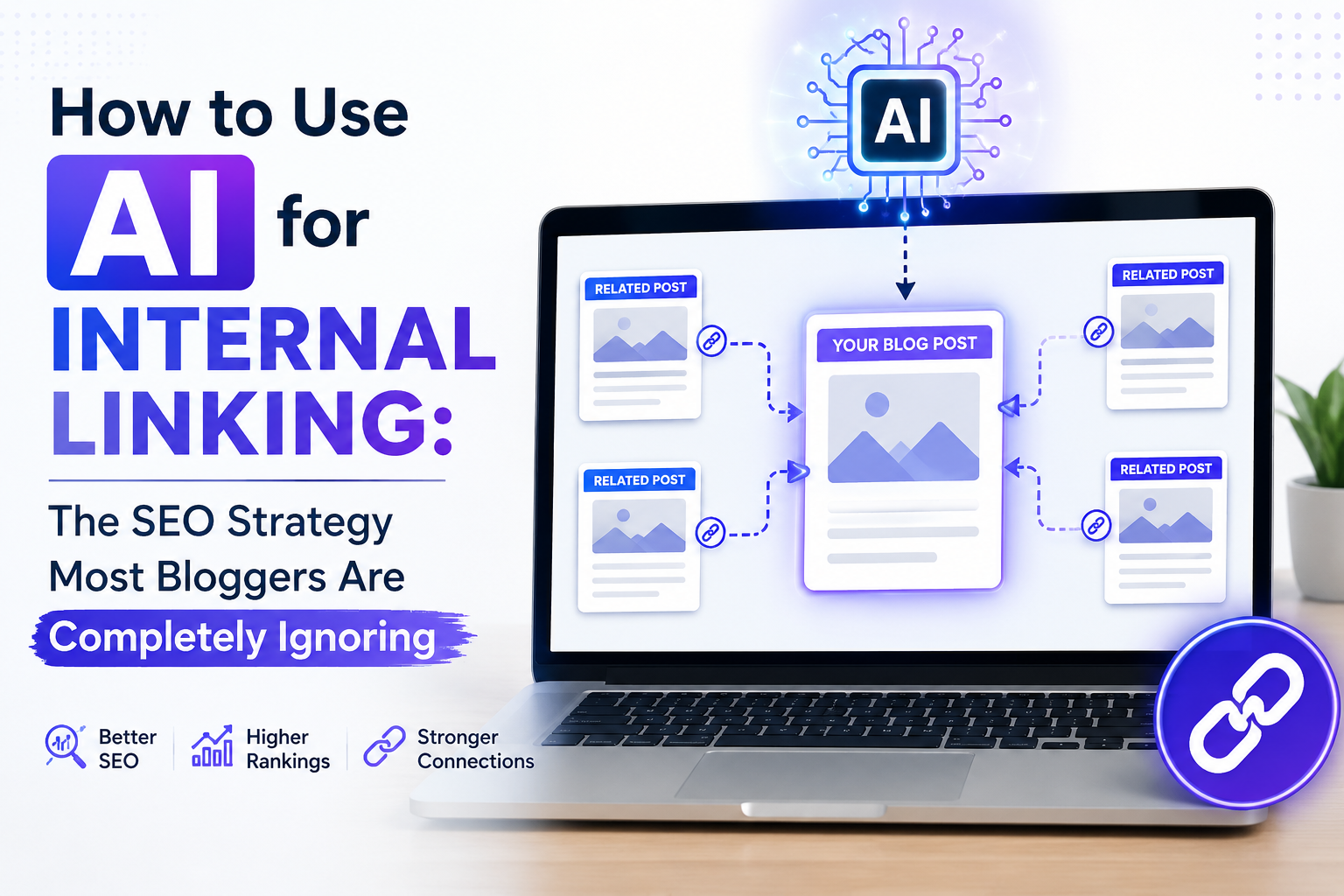
AI for Internal Linking: The SEO Strategy Bloggers Are Missing
Internal linking is one of the highest ROI SEO strategies available to bloggers and AI makes it significantly faster. Here is a step by step workflow for using AI to build and audit your internal linking strategy in 2026.
Internal linking is one of the highest-ROI SEO activities available to bloggers. It costs nothing beyond time, improves crawlability, distributes page authority across your site, and keeps readers on your content longer.
It is also one of the most consistently neglected parts of most bloggers' SEO workflow. The reason is not that bloggers do not understand its value. It is that doing it properly at scale is genuinely tedious without a systematic approach.
AI changes this. Here is exactly how.
Why Internal Linking Gets Ignored?
The honest answer is that internal linking done well requires holding your entire content library in mind simultaneously while writing each new post, identifying which existing posts are topically relevant, deciding which anchor text fits naturally, and placing links without disrupting the reading experience.
For a blog with 10 posts, this is manageable. For a blog with 50, 100, or 300 posts, it becomes cognitively expensive enough that most bloggers either skip it or do it inconsistently.
This is the specific problem AI solves in this workflow. Not the strategic thinking, that remains your job. The cognitive load of processing your full content library against each new post.
What Good Internal Linking Actually Achieves?
Before the methodology, it helps to be specific about what internal linking does:
- Crawl efficiency: Search engine bots follow links. A well-linked site gets more pages crawled more frequently than a poorly linked one. For new content, faster crawling means faster indexing.
- Authority distribution: Page authority flows through internal links. Posts with strong backlinks from external sites can pass some of that authority to other pages on your site through strategic internal linking.
- Topical relevance signaling: Internal links between thematically related content help search engines understand your site's topical structure and depth. Sites with clear topical clusters tend to rank better on cluster-related queries.
- Reader retention: Relevant internal links keep readers on your site longer, which contributes to behavioral signals that search engines use as quality indicators.
Step 1: Build Your Content Inventory
Before AI can help with internal linking, it needs to understand what content exists on your site.
Create a simple spreadsheet with three columns:
Post title
Post URL
Main topic or keyword target
For sites under 100 posts, this can be done manually in one sitting. For larger sites, export from your CMS or use a site crawler to generate the list automatically.
This inventory is the reference document you will feed to AI in subsequent steps.
Step 2: Use AI to Identify Linking Opportunities for New Posts
When writing a new post, use this prompt structure:
"Here is a list of existing blog posts on my site: [paste your content inventory]. I am writing a new post titled [new post title] about [brief topic description]. Identify which existing posts are most relevant to link to from the new post, and suggest natural anchor text for each link based on the topic connection."
The output will give you a prioritized list of internal linking opportunities specific to the new post you are writing, without you manually scanning your full content library.
Important constraint: Do not implement every suggestion blindly. Review each recommendation and only include links that genuinely add value for the reader at the point in the content where they appear.
Step 3: Use AI to Audit Existing Posts for Missed Linking Opportunities
New post linking is only half the internal linking problem. The other half is linking back to new posts from existing content.
When you publish a new post, existing posts that cover related topics should ideally link to it. This is where most bloggers fall short because going back through old posts is time-consuming.
Prompt structure for this audit:
"I just published a new blog post titled [new post title] about [topic description]. Here is my existing content inventory: [paste inventory]. Which existing posts are most likely to benefit from adding a link to this new post? For each suggestion, identify which section of that post would be the most natural place to add the link."
This gives you a targeted editing list rather than requiring you to manually review every old post.
Step 4: Build Topical Clusters Using AI Mapping
Beyond individual post linking, AI can help you visualize and structure topical clusters across your entire content library.
Prompt structure:
"Here is my full content inventory: [paste inventory]. Group these posts into topical clusters where each cluster represents a main topic and its supporting subtopics. Identify which post in each cluster should be the primary pillar page and which posts should be supporting cluster pages linking back to the pillar."
This output gives you a structural map of your site's topical architecture. Use it to:
Identify which pillar pages need more supporting content
Identify which cluster pages are missing links back to their pillar
Spot topical gaps where no content exists yet
Step 5: Optimize Anchor Text Systematically
Anchor text (the clickable text of a link) matters for SEO but is easy to get wrong. Over-optimized exact-match anchor text looks unnatural. Generic anchor text ("click here," "read more") contributes no topical signal.
Use AI to generate varied, natural anchor text options for each internal link:
"I want to add an internal link to my post about [topic] from this sentence: [paste the sentence where the link will appear]. Suggest three natural anchor text options that fit the sentence context without sounding forced."
Running this for each internal link keeps anchor text varied and natural across your site rather than repetitively using the same phrasing.
Step 6: Track Your Internal Linking Progress
Internal linking is an ongoing process, not a one-time task. Build a simple tracking system:
Add two columns to your content inventory:
Links out (how many internal links this post contains)
Links in (how many other posts link to this post)
Update this quarterly. Posts with zero or very few inbound internal links are your priority for the next linking audit round.
Common Mistakes to Avoid
- Linking for the sake of linking: Every internal link should add genuine value for the reader. A link placed awkwardly just to pass authority does more harm to the reading experience than the SEO benefit justifies.
- Ignoring orphan pages: Posts with no inbound internal links from other posts are essentially invisible to search engine crawlers that enter your site from external links. Identify and fix orphan pages as a priority.
- Using identical anchor text repeatedly: Linking to the same post from multiple pages using the exact same anchor text looks unnatural. Vary the phrasing while keeping topical relevance.
- Only linking forward, not backward: When you publish new content, go back and add links from relevant old posts to the new one. One-directional linking leaves authority on the table.
The Realistic Time Investment
With AI assistance, a full internal linking audit of a 50-post blog takes approximately two to three hours rather than the full day it would require manually. For ongoing maintenance, adding internal linking to your standard post-publication checklist adds roughly 15-20 minutes per new post when using the prompt workflow outlined above.
The compounding SEO benefit of consistent internal linking over 6 to 12 months is measurably larger than most other on-page SEO activities available to bloggers at zero additional cost.
Would be useful to hear what tools others here are using for tracking internal links across larger content libraries.
Internal Linking SEO, AI for SEO, Blog SEO Strategy, Topical Clusters, SEO Workflow, Anchor Text, Pillar Pages, On Page SEO, AI SEO Tools, Blogging SEO 2026, AI Forum, AI Webloggers